

Digital Product Passport
Eight steps, one draft, no blank form.
The wizard works directly on the product record and saves after every entry. Stopping and picking it up tomorrow works mid-sentence — publishing only happens when you say so.
- Wizard
- 8 steps
- Required to publish
- 3 blocks
- Work in progress
- Draft, automatic
- Legal framework
- ESPR (EU) 2024/1781
Ausgangslage
The passport does not fail on willingness, it fails on the first blank form
A product passport calls for input from four departments. Anyone who has to see all of it at once never starts — and anyone who does start loses their work in progress.
- The data is scattered: identification in the ERP, composition in the recipe, packaging with the supplier, certificates in an inbox.
- A single form covering everything asks for the CAS number on line three — and gets closed.
- Nobody knows whether a half-filled passport may be published, or what exactly is blocking it.
How you work with it
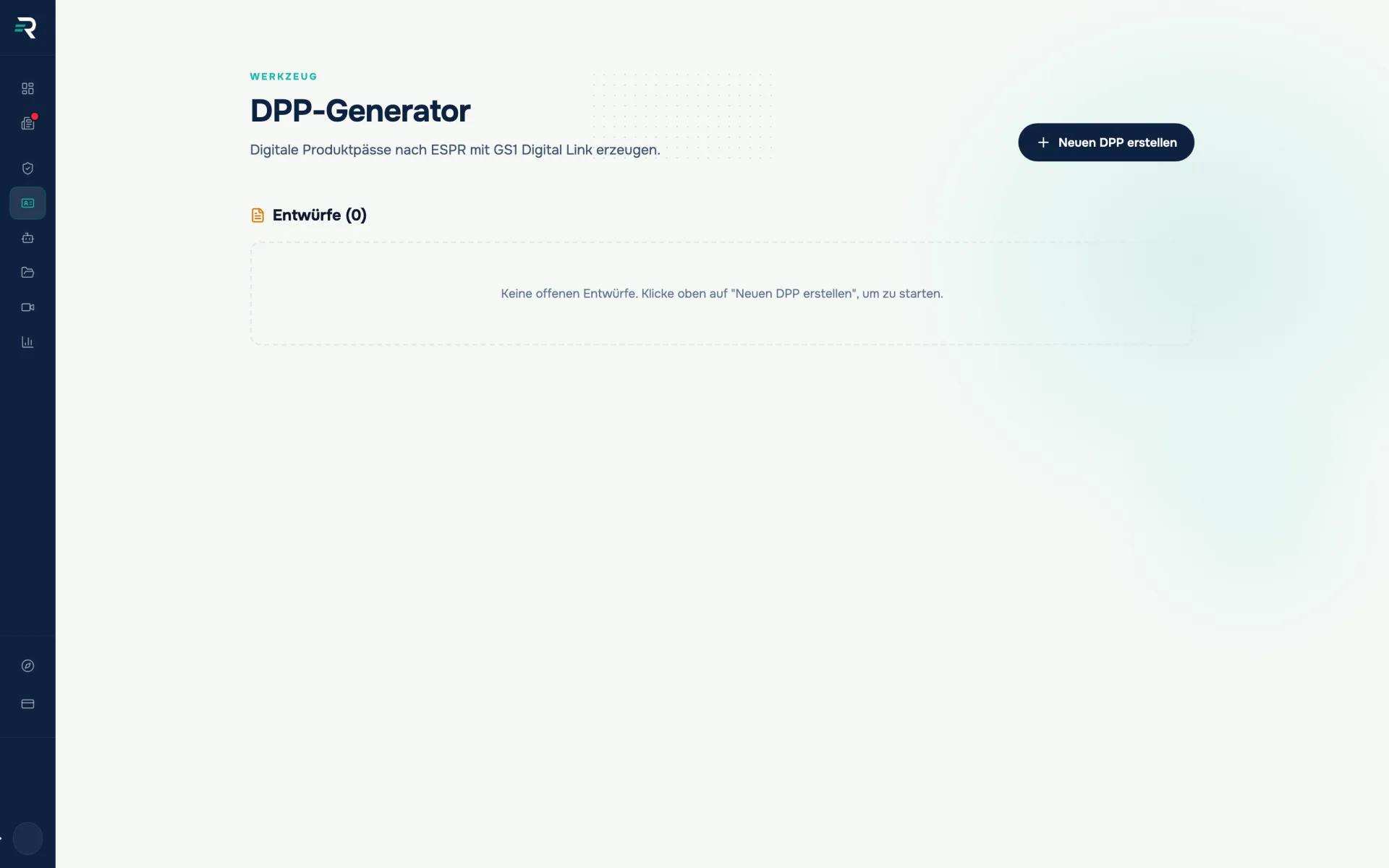
Start a draft — from a product or from a name
In the dialog you pick an existing product without a passport — or simply type a product name, from which a standalone draft is created. Both routes end in the same wizard, and it works on the real product record rather than a copy. Whatever is in your master data is therefore already in the form.
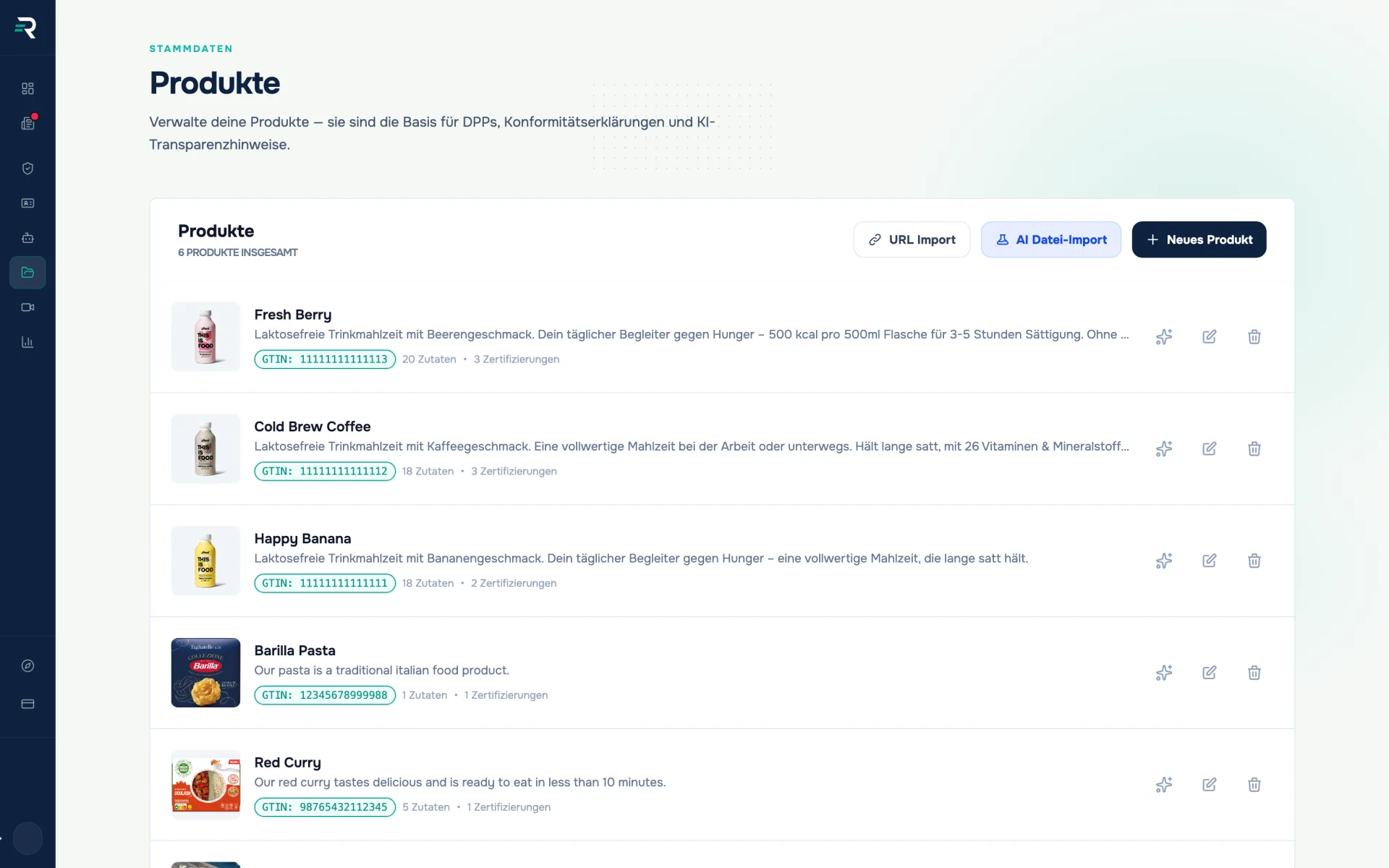
Eight steps, always visible
The step bar on the left runs from identification to review; completed steps carry a tick and you can jump at any time. The draft writes itself away a second after your last entry. The GTIN is the exception — it only travels to the server once the format is valid, so no half a number ends up in the passport.
Fetch data instead of retyping it
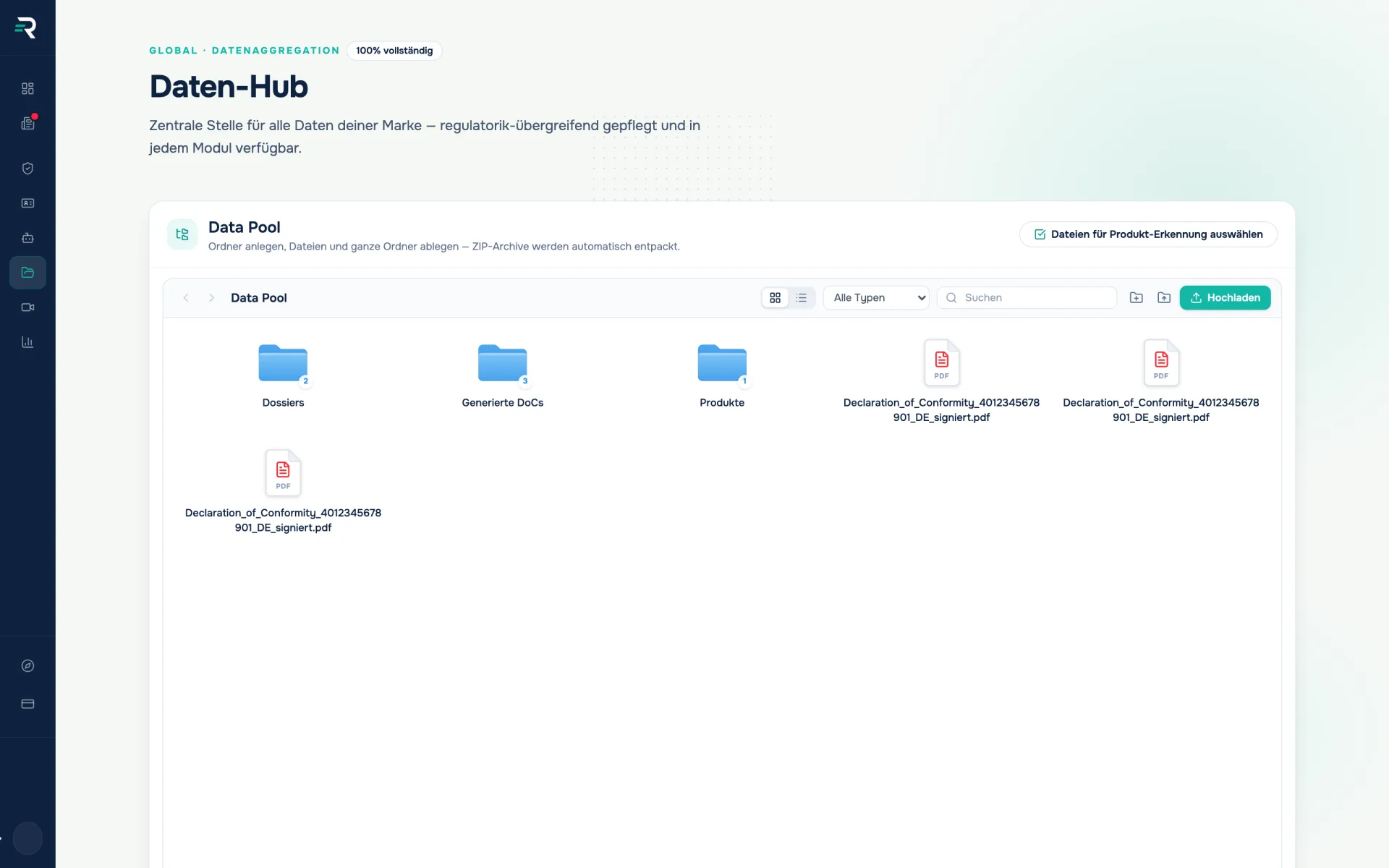
The wizard does not invent anything you would later have to stand behind. Pre-filling happens one level earlier: the data pool takes in files and whole folders, unpacks ZIP archives and detects products from them; on top of that comes the import from a shop URL. Whatever arrives there is already in the form in the generator.
Review, publish, generate the QR code
The final step lays the previous seven out as cards side by side — per step the state, a summary and an “Edit” that jumps straight back to that point. If a mandatory block is missing, it sits on top as a clickable list. QR code, public page and coverage rate are then in the product passports module.
Review
Three blocks stop you, five only nudge
The wizard distinguishes between “still missing” and “cannot go live like this”. Three blocks are blocking: identification, short description and at least one packaging component. Everything else shows its state but does not hold you up — a passport with solid identity is worth more than one that sits in draft for a year because a REACH search is still running. You can add to it at any time: the printed QR code points at the GTIN, not at a version.
How it fits together
One set of data that carries forward
01
Product master data
hold identity and packaging
GTIN · Packaging components · Certifications
02
DPP generator
walks through the eight steps and publishes
Passport content · Draft state · Release
03
Product passports
turns it into a QR code and a public page
QR code · public URL · coverage rate
Frequently asked questions
What has to be filled in before I can publish?
Three blocks: identification with product name, GTIN, manufacturer and country of origin, a short description, and at least one packaging component. Everything else can be added later.
Do I lose my work in progress if I close the tab?
No. The wizard saves as a draft a second after your last entry and shows at the top whether a save is running. The draft is then in the generator’s draft tray.
Why is my GTIN not being accepted?
Because it does not yet have a valid format. Accepted are 8, 12, 13 or 14 digits — partial entries are deliberately not saved, so no half a number ends up in the passport.
Does AI pre-fill the passport?
The wizard itself does not. AI is used in the import from files in the data hub and the import from a shop URL in the product list. Their output is already in the form in the generator.
Passt dazu
A QR code that never has to be reprinted.
Product passports shows for every product whether a Digital Product Passport is live, generates the matching QR code and routes every scan to the public product page.
Every piece of evidence starts from the same product data.
Maintain products, packaging components, GTIN and images once — the declaration of conformity, the product passport and the volume report all draw their values from it.
Every value knows where it came from.
The data hub brings together all packaging data across sources, shows the completeness rate and makes it traceable where every value came from.
The first passport is the hardest
We will walk through the wizard once on one of your products — from the GTIN to publication.