

Developers
Grant access without giving up control.
Retail aggregators, channel partners and your own apps fetch your product passport data through the public API — with a key you issue, limit and revoke at any time.
- Interface
- public passport API
- Rate limit per key
- 1–6000 req/min
- Default
- 60 req/min
- Visibility
- your own brand only
How you work with it
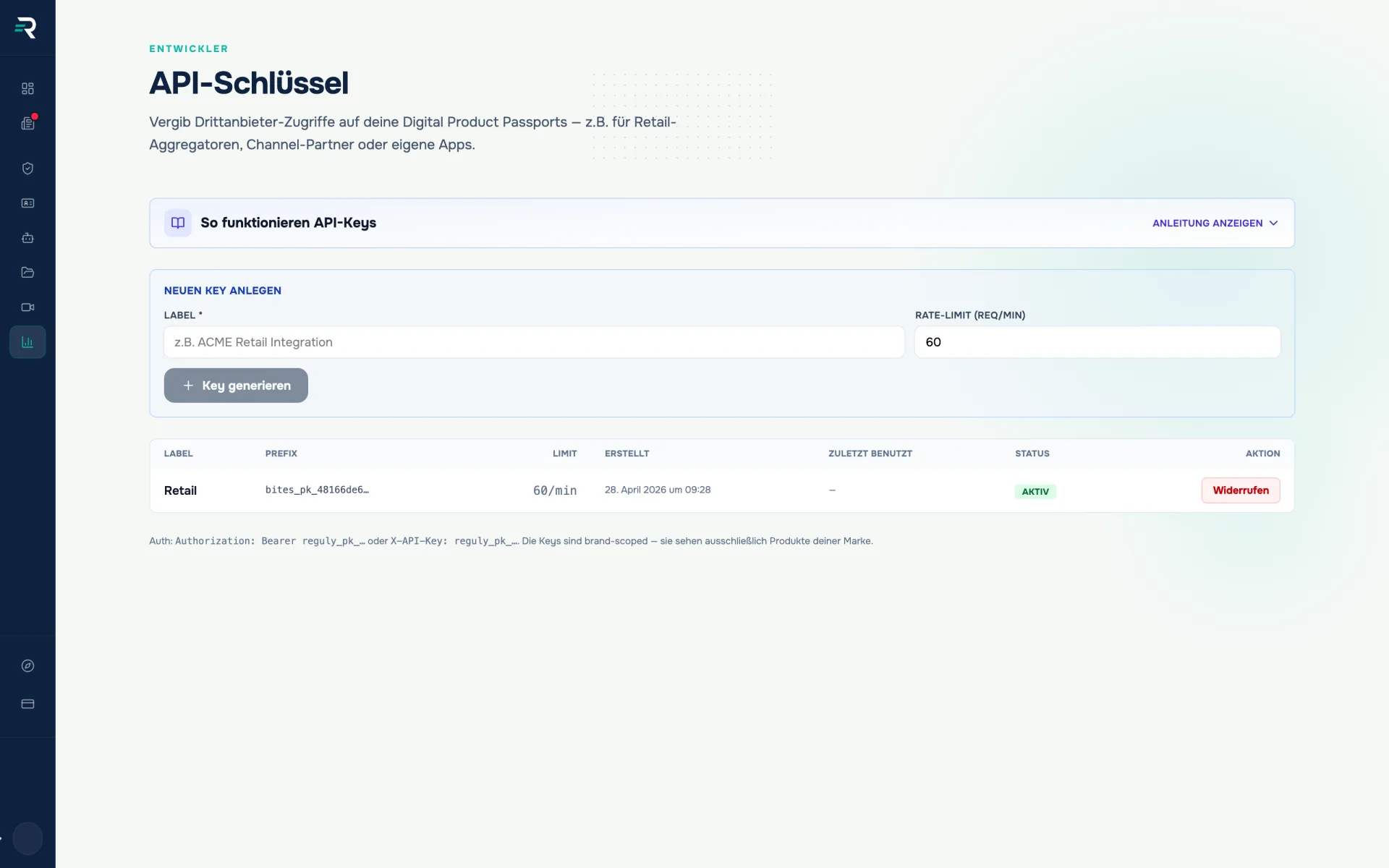
Create a key per partner
The label says who the key is for — “ACME Retail Integration” rather than “Key 3”. Plus the rate limit in requests per minute: 60 by default, 1 to 6000 permitted. One key per partner, otherwise no single access can be ended later.
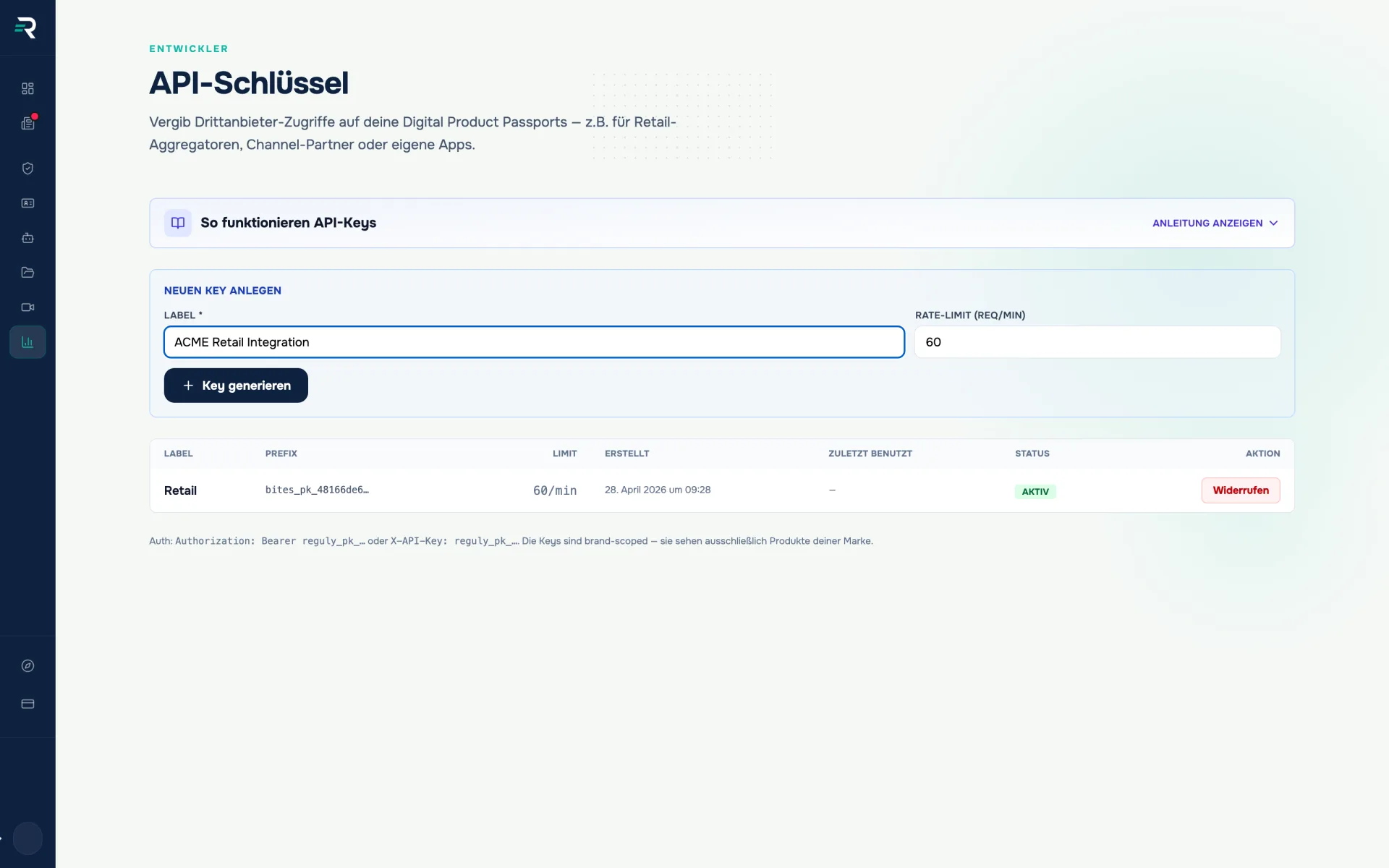
Save the plaintext once
The full key appears exactly once, right after it is generated. After that the list only shows the prefix. Close the window without using it and you issue a new key and revoke the old one.
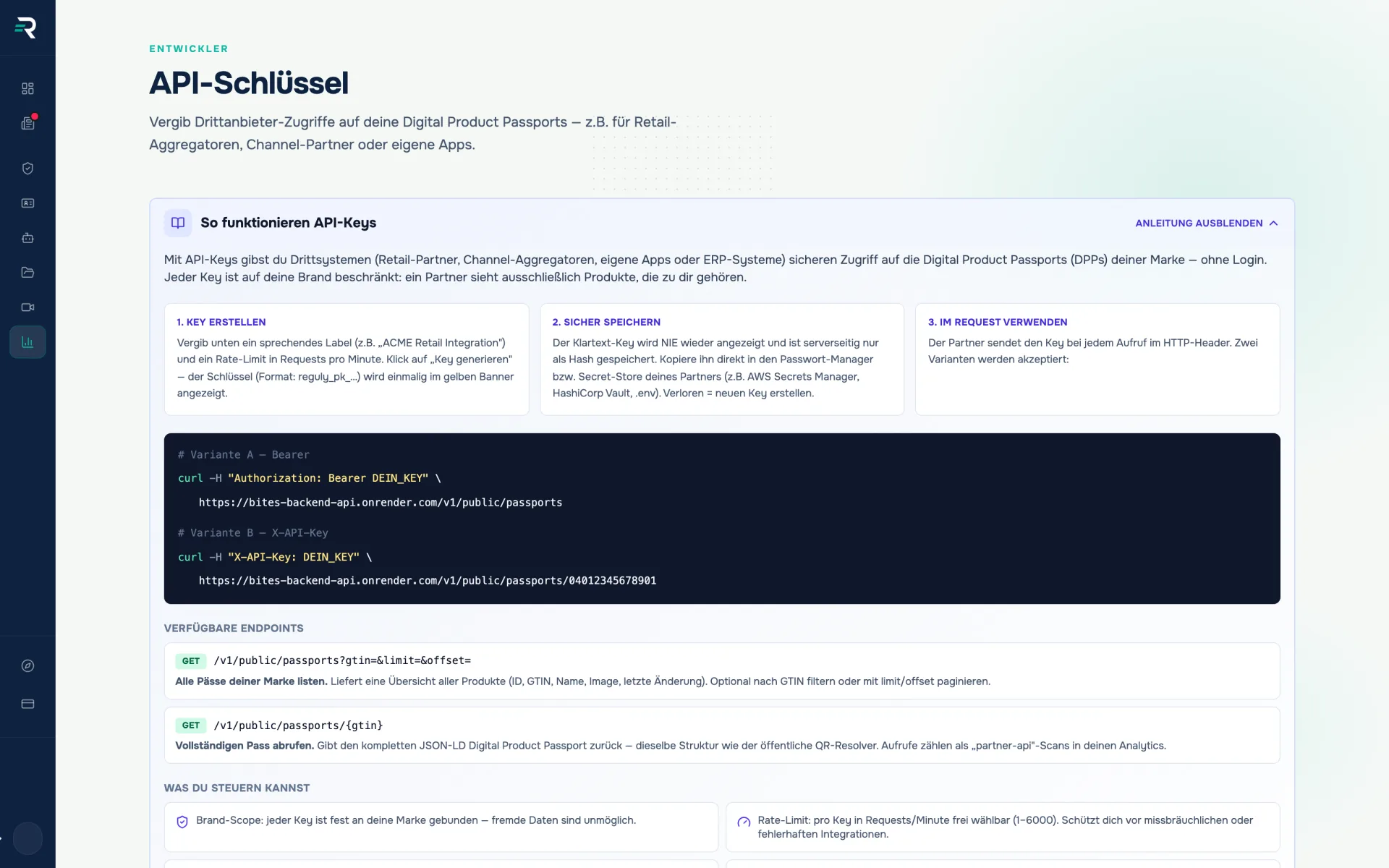
Connect the integration
Authentication runs via “Authorization: Bearer” or “X-API-Key”. The guide in the module shows both variants with curl examples — against the list of passports and against the detail call per GTIN.
See usage and revoke
The list carries label, prefix, limit, last use and status. Revocation runs through a confirmation prompt and blocks the access immediately. There is no expiry date — a key ends when you end it.
Integration teams
One key, two endpoints, one clear boundary — the curl examples sit in the module.
Brand owners & admins
Issue a key per partner, see the last use, take a single access back.
Retail & platform partners
Pull passport data programmatically instead of by export — always the state that is currently published.
Im Zusammenspiel
Ein Datenbestand, der weiterreicht
01
Product passports
produces the public passport data
Passport content per GTIN · public view
02
API keys
governs who may retrieve it programmatically
Key per partner · Rate limit · Brand scope
03
Analytics
evaluates the use of the passports as scan statistics
Retrieval counts
Frequently asked questions
What does an API key see?
Your brand’s public passport API: the list of passports and the detail call per GTIN. Keys are bound to the brand and see nothing beyond it — they are not dashboard access.
Can I display a key again later?
No. The plaintext appears exactly once after generation; after that the list only shows the prefix. If it is lost, you issue a new one and revoke the old one.
What happens on revocation?
After a confirmation prompt the key is blocked and stays in the list as revoked. Integrations using it are locked out immediately — so plan the switch beforehand.
Does a key replace dashboard access?
No, and the two routes should stay separate: roles govern who maintains and releases data, keys govern which machine retrieves published passport data. Anyone who is to work in the dashboard is invited with a role in the team module.
How many keys may I issue?
The quota depends on the plan you have booked and is shown in the billing overview. Without the module enabled, the page shows the note about the required plan instead of the management view.
Reguly documentation: API keys
Reguly dashboard: API keys module, as of 2026-07-20
Passt dazu
Ein QR-Code, der nie neu gedruckt werden muss.
Produktpässe zeigt für jedes Produkt, ob ein Digitaler Produktpass live ist, erzeugt den QR-Code dazu und führt jeden Scan auf die öffentliche Produktseite.
Jede Angabe weiß, woher sie kommt.
Der Daten-Hub bündelt alle Verpackungsdaten quellenübergreifend, zeigt den Vollständigkeitsgrad und macht nachvollziehbar, woher jeder Wert stammt.
Look at the interface before the integration
We will show you the endpoints, headers and limits of the passport API against your own data.